JavaScript For Loop: What It Is and How to Use It
Understand the JavaScript for loop and its close relatives: for, forEach, do while, and for...in. See clear examples and learn when to use each loop.
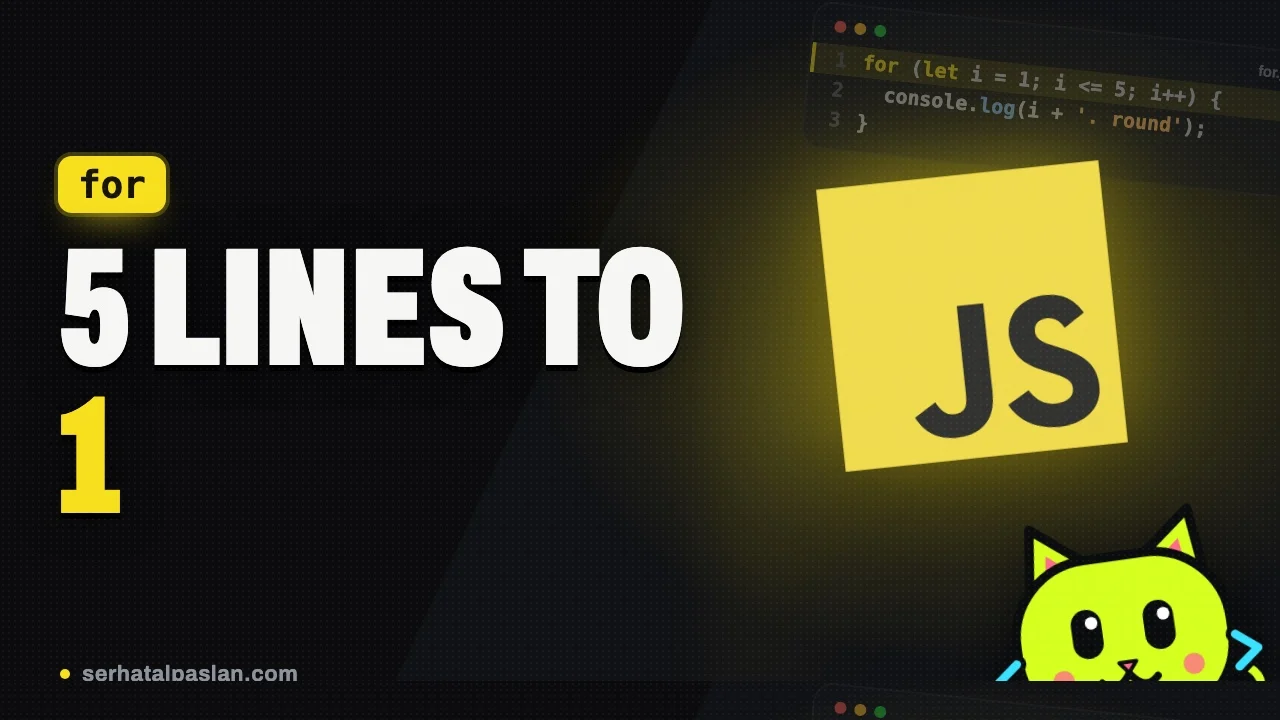
There are a few loop functions we can use in JavaScript. These are for, foreach, do while, and for in. I recommend you take a look at the How to Use JavaScript forEach lesson we covered in our previous lessons.
Just like the other loops, the for loop repeats the script inside the block until the conditions are met. Now let’s try to understand exactly what the for loop is.
//first let's define a variable, and let this variable be the starting point of our loop
var i = 0;
//We start our loop
for(i;i<100;i++){
   console.log(i);
}
//In the console output you will see the numbers from 1...99 printed in order.
When we look at the code block above, what we actually need is a start for the loop, a condition specified so the loop stops, and finally the increment or decrement that should happen between the start and the end, that is, during the repetition.
Start: This is the value the loop begins with, and the loop looks here first in order to start.
Condition: This is the condition that makes the loop end.
Increment and Decrement Operator: This specifies whether the repeated area will continue by increasing or decreasing during the loop. If you haven’t learned the increment and decrement operators yet, I recommend you check out the lesson I prepared among our articles.
The JavaScript For In loop
The For In loop lets us list the elements in an array whose count we don’t know. This loop may not seem very logical right now, but in later lessons you’ll see for yourselves that it’s actually very useful.
//The array we want to list
var sepet= ["Elma", "Armut", "Portakal", "Muz", "Kivi", "Karpuz", "Çilek"];
//we define our "i" variable and assign an empty value so we don't get a not defined error.
i='';
//We start our loop.
for(i in sepet) {
    console.log(liste[i]);
}
To understand loops better in JavaScript lessons, you actually need to practice a bit and look at different examples. Looking at the documentation and examples published on other sites, especially on the languages’ own pages, is the best way to learn a language. JavaScript has actually created documentation on its own site at a small and basic level. Here’s a great resource where you can find these examples. It’s also worth taking a look at our other JavaScript lessons.
Share it if it helped