Nested Loops in JavaScript: Easy Guide for Beginners
See how easy nested loops in JavaScript can be. The key rule: the inner loop must finish before the outer loop moves on.
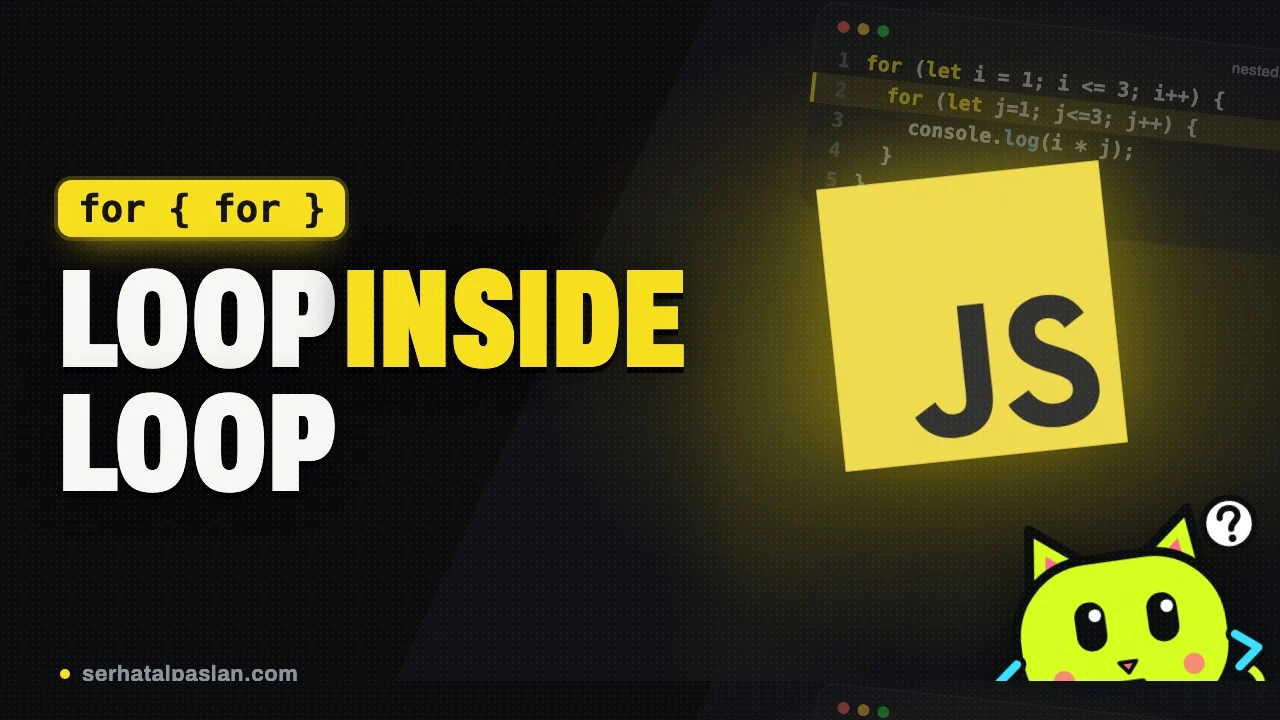
Let’s take a look together at how easy it is to implement nested loops with javascript for. The key thing you need to know when using nested loops is that the outer loop does not run until the innermost loop has finished. That way, if you get an error inside the loop, it will be easier to debug. You also need to build your improvements on top of this logic. Now let’s look at an example javascript nested for loop;
var i = 0 ;
var j = 0;
for (i ; i<10 ;i++){
 for (j ; i == j ;j++){
}
  console.log(i+'-'+j);
}
If we examine the example above, we created a standard, by-the-rules javascript for loop just like we learned in our previous lesson. Right after that, we wrote another for loop inside the block part of this loop, that is, inside the curly braces. The second key piece of information I can give you here is that we can use the variable from the outer level inside the inner loop. With the javascript break and javascript continue we learned in our previous lessons, we can vary the examples above. Now let’s update the same javascript nested example using javascript break.
var i = 0 ;
var j = 0;
for (i ; i<10 ;i++){
 for (j ; i == j ;j++){
}
  console.log(i+'-'+j);
  if(i == 2){
     console.log('burada break kullandık');
     break;
   }
}
Alright, in the example above we used the break command and said: when the “i” variable equals 2, first print a message to the console and then exit the loop using the break command. Now let’s use another example, and this one will be similar, but this time let’s use javascript continue in the javascript nested loop.
var i = 0 ;
var j = 0;
for (i ; i<10 ;i++){
 for (j ; i == j ;j++){
}
  console.log(i+'-'+j);
  if(i == 2){
     continue;
   }
}
This time we saw a slightly different output, didn’t we? Because we used the continue statement in the loop, meaning we said: when the “i” variable equals 2, don’t stop the loop, just skip this part. Yes, by using nested loops and varying these examples yourself, you can reach many more results. So, I understood how nested loops are used with Javascript for, but can I use it in a similar way inside javascript? You can find the answer in our javascript foreach nested loops lesson.
You can also check out the details on Javascript’s official website.
- using javascript break-continue
- What Is a Javascript For Loop and How Is It Used?
- Using Javascript Foreach
Share it if it helped