JavaScript String Replace: How to Swap Text in a String
See how JavaScript string replace works and how to swap characters or whole words in a string with replace() and replaceAll(), with short, clear examples.
JavaScript replace() Usage
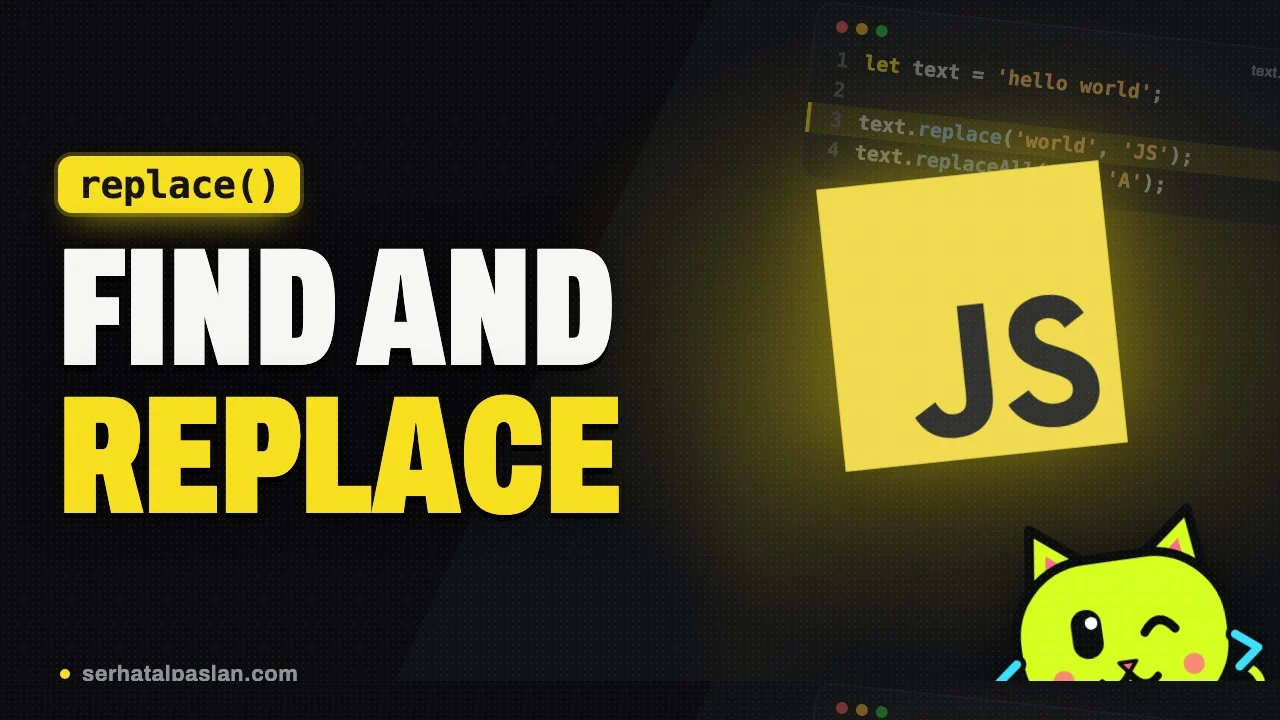
JavaScript offers many different methods for changing text within a web page. One of them is the “replace()” method. This method is quite simple to use and can replace a word or individual characters.
The JavaScript replace() method returns a new string by replacing the occurrences it finds in a string. It takes the text you want to replace and the new text you want in its place. For example, in the code below, the word “metin” inside the example string is replaced with “text”:
var yazi="değişiklik yapılacak metin.";
yazi=yazi.replace("metin","text");
alert(yazi);
//output: değişiklik yapılacak text.
The code above shows the basic usage of the “replace()” method. However, this method also has some limitations.
For example, the “replace()” method is case-sensitive. So whether a word is written in uppercase or lowercase affects whether the text gets replaced. To work around this, you need to use regular expressions.
var yazi="Bu bir Deneme METİNdir.";
yazi=yazi.replace(/metin/i,"text");
alert(yazi);
//output: Bu bir Deneme textdir.
In the code above, the “/i” flag is used to remove case sensitivity. This way, it doesn’t matter whether the word “metin” is written in uppercase or lowercase; the text is still replaced with “text”.
In addition, the “replace()” method only replaces the first match it finds. So if you want to replace every occurrence, you need to use regular expressions.
var yazi="Bu bir deneme yazısıdır.";
yazi=yazi.replace(/i/g,"");
alert(yazi);
//output: Bu br deneme yazısıdr.
In the example above, the “i” character is removed throughout the entire string. The “/g” flag is used to replace every matching character in the text.
The JavaScript replace() method is one of the most effective ways to clean up whitespace. When you use it, you can pick out the special characters you want with regular expressions. In the example below, the “replace()” method is used together with regular expressions to clean up whitespace:
var yazi=" Bu bir deneme yazısıdır. ";
yazi=yazi.replace(/\s+/g," ");
alert(yazi);
//output: Bu bir deneme yazısıdır.
In the example above, the “/\s+/” pattern uses regular expressions to match whitespace characters, and the “/g” flag is used to replace every matching character in the text. As a result, you get a cleaned-up string with the extra spaces removed.
The JavaScript replace() method is a very handy method for word and character replacement. However, it has limitations such as case sensitivity, replacing only the first match, and whitespace cleanup. So it’s important to keep these limitations in mind when you use it and to use regular expressions correctly.
The JavaScript replace() method is very useful for both word and character replacement. However, when you use this method, it’s important to take into account some limitations such as case sensitivity, replacing only the first match, and whitespace cleanup. When these limitations are handled correctly and the method is used together with regular expressions, the JavaScript replace() method gives users an effective text-processing tool.
- What are the JS onSelect and onMouseMove events?
- JavaScript Errors – try and catch and finally examples
- JS find() Usage
Share it if it helped