JavaScript if else statement: control your code’s flow
Learn how JavaScript if else statements let you run different code based on conditions. See clear examples and start writing more reliable logic today.
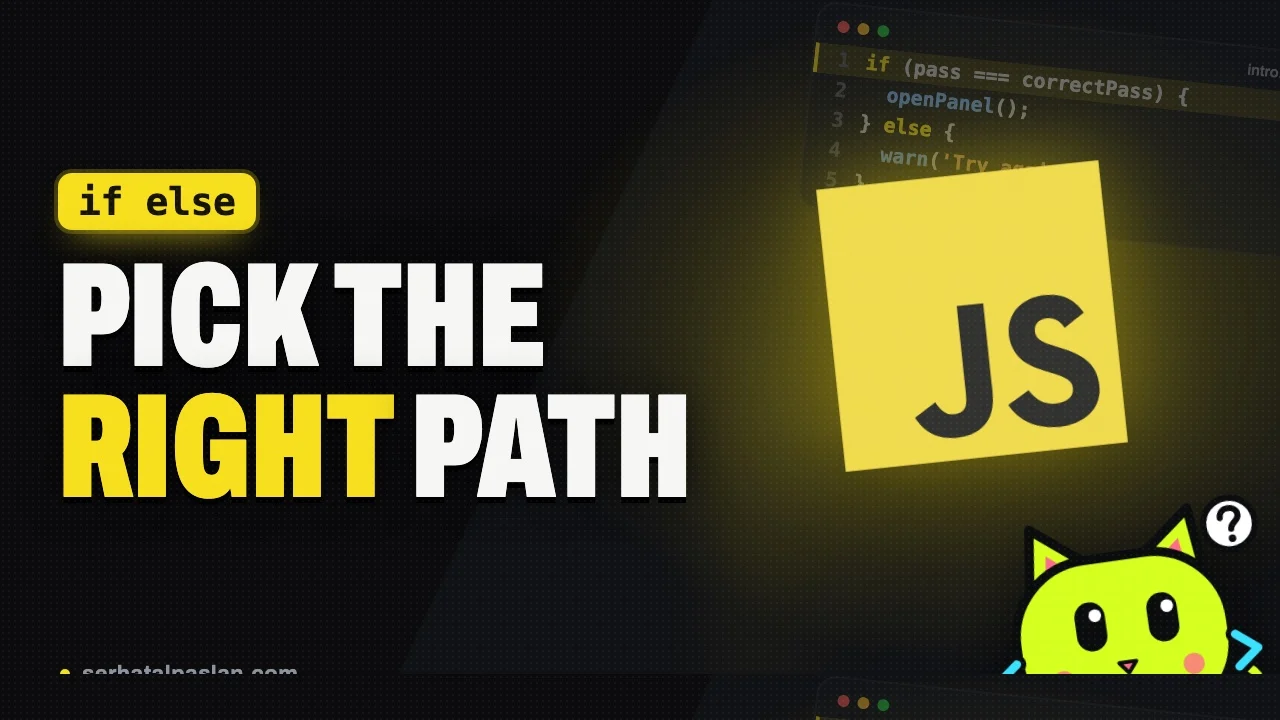
With JavaScript if else, we can evaluate conditional expressions and run the code sections we want based on the result, which lets us control the flow of our application. For example, after a user signs up on the site, they can log in to their own personal dashboard and perform certain tasks.
The user login process works with the following simple logic:
- The user’s email address and password are checked in the database.
- If the user’s email and password are correct, the user is logged in to their panel. If the details are wrong, an error message is shown.
If we were to write the code, it should look like this;
Şayet kullaniciAdi ve şifre == doğru
   Giriş için kodu çalıştır.
   Kullanıcı paneline yönlendir
Eğer Değilse
   kullanıcıya tekrar denemesini söyle
If we were writing a user login application, the logic would be similar, but it wouldn’t look quite this simple.
The IF Conditional Statement
The if statement checks whether a condition is TRUE or FALSE. If the condition returns TRUE, the code in the block you wrote runs. The code block will look like this.
if (koşul){
   // Block to run if the condition is true
}
If the returned condition comes back as false, the block that gets executed is the ELSE block, that is, the second block. The code block for this case looks like the IF ELSE below.
if (koşul) {
    // Block to run if the condition is true
}
else{
    // Block to run if the condition is false
}
<script>
var sayi == 8;
if (sayi == 10) {
console.log("Doğru , sayı 10 a eşittir");
} else {
console.log("Yanlış, sayı 10 1 eşit değildir.");
}
</script>In this JavaScript if else example, we assigned the value 8 to a variable named sayi. Using the if else condition, we checked whether the variable SAYI equals 10. It returned FALSE, and the code inside the second block ran.
Another way to write if else is the following.
(koşul) ? doğru : yanlış ;
<script>
  var sayi = 8;

  // condition            if the condition is true             if the condition is false
  (num == 10)  ?  console.log("num == 10") : console.log("num != 10");
</script>
This style of writing will be a bit confusing for developers who are just starting out. But in practice, you’ll see for yourself that using it this way feels more natural and comfortable. Many JavaScript developers say they don’t use this style because it makes the code harder to read. Keep in mind that the people making remarks like that are usually beginners themselves. Instead of picking sides, I recommend getting comfortable with both styles.
- Javascript ARRAY, POP, PUSH, LENGHT
- What Is a JavaScript For Loop?
- Using Split and Join
- What Are JavaScript onClick and onChange Events?
- Using Foreach
- What Is JavaScript?
Also, take a look at the official JavaScript site.
Share it if it helped