JavaScript Array Methods: Push, Pop and Length
See how push, pop and length work on JavaScript arrays with short, runnable examples. Add items to the end, remove them again and check the size of your array.
Contents
 When you develop with JavaScript arrays, you may often need to use elements in order. The feature that lets you store these elements in an ordered way is called a JavaScript array.
There are 2 ways to create arrays. These are:
// Method 1
var dizi1 = [];
// Method 2
var dizi2 = new Array();
There is no difference between the usages of the methods above, and you can comfortably use whichever syntax is easier for you.
Let’s go into a little more detail with another example. In the example below, let’s create a basket and add various products to it.
let sepet= ["elma", "armut", "portakal","nane","muz"];

//Let's print the first element of the array.

console.log( sepet[0] ); // elma
// Let's print the second element of the array
console.log( sepet[1] ); // armut
// Let's print the third element of the array
console.log( sepet[2] ); // portakal
In the code example above, the basket is actually your array, and you can think of the products inside this basket as the elements of the array. The order of the elements in the basket—that is, their indices—starts at 0.
Length
If you want to find the number of elements in the basket array, you can use the length property.
console.log(meyveler.length)
// the console output will be 5.
There is actually a small detail you need to know here. The length property actually returns the array’s last index number plus 1.
let sayilar= [1, 2, 3, 4, 5];
sayilar.length = 2; // reduces it to 2 elements
console.log( sayilar); // [1, 2]

sayilar.length = 5; // restore the length
console.log( sayilar[3] ); // undefined: it will not return a value
Push
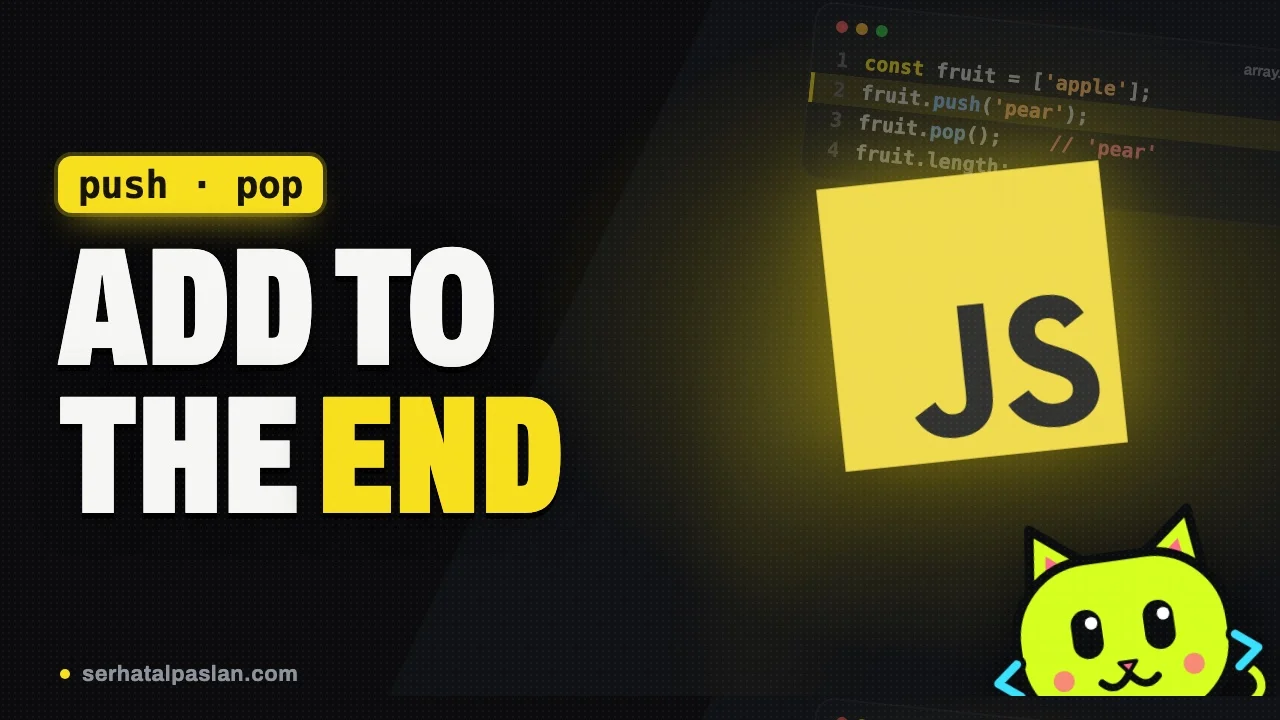
Several approaches are available for adding a new product—that is, an element—to our basket array. If you want to add the new array element to the end of the array, you can use the push method.
sepet.push('çilek');
// Console output
console.log(sepet);
["elma", "armut", "portakal","nane","muz","çilek"];
Pop
It will remove the last element added to our basket array and return the rest.
sepet.pop();
console.log(sepet);
["elma", "armut", "portakal","nane","muz"];- Scheduled functions with JavaScript setTimeout
- Easy nested for loop with JS
- Using JavaScript Find
- Using JavaScript Array Map
- Using JavaScript Reduce
- What are JavaScript onClick and onChange Events?
- Official website
Share it if it helped