JavaScript Break and Continue: Control Loops with Ease
See how JavaScript break and continue let you exit loops early or skip specific iterations, with clear examples you can apply right away.
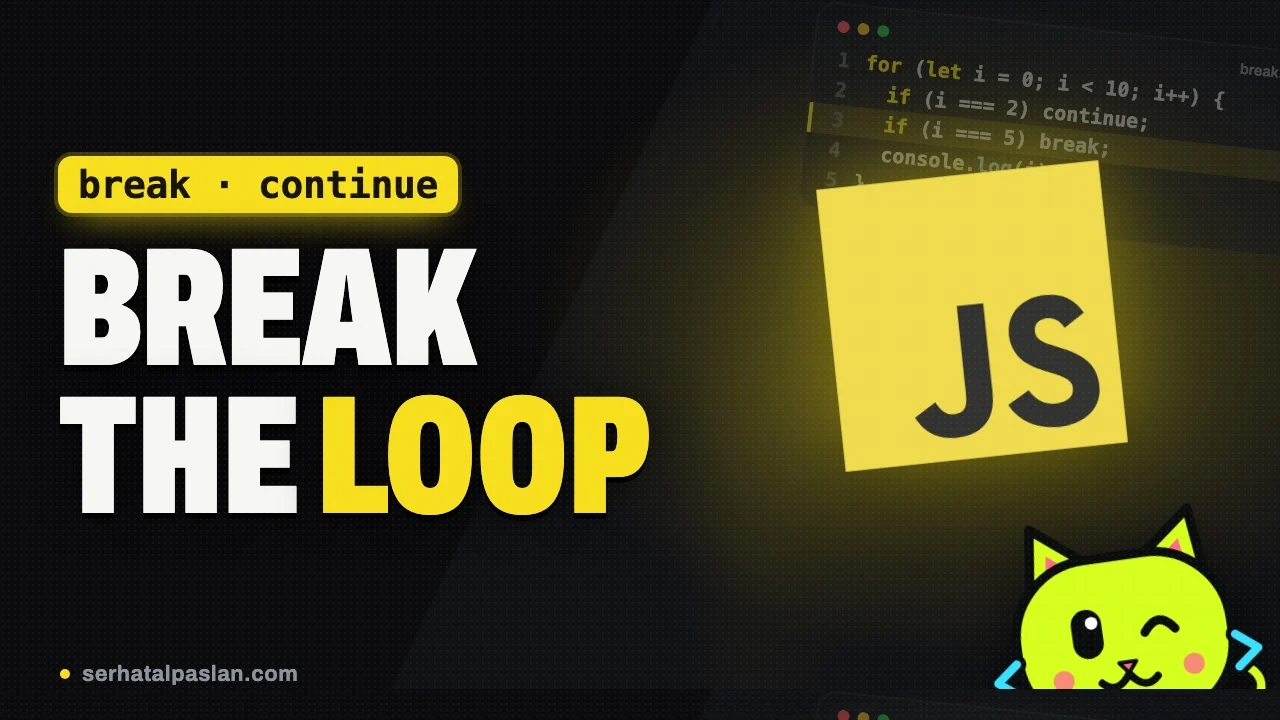
To learn how to use javascript break and continue, we need to understand loops. Let’s start by looking at javascript break.
Javascript Break
The Javascript break statement makes a loop end once a certain condition is met. Yes, a loop already stops when its condition is no longer satisfied. But this case is a little different. Let’s make it clearer with the example below;
for (var j=0; j<999; j++) {
    if(j==5){
      break;
    }
      console.log(j);
      //0,1,2,3,4
  }
As you can see in the example above, the for loop will stop when the j variable reaches 999. But if you look closely, a javascript if statement is used inside, and it asks for the javascript break statement to run when the j variable equals 5. With this command, as you’ll also see in the console output, the loop stops when the j variable reaches 5 and the remaining operations don’t continue. So, if you want a javascript loop to stop when a condition occurs inside it, you need to use the javascript break statement.
Javascript Continue
With javascript continue, when continue is used inside the block running during a loop, the loop stops that step and continues with the rest of the loop. Let’s go through the following javascript code example together
for (j = 0; j < 7; j++)
{
    if (j === 3)
    {
      continue;
    }
    console.log(j);
    // 0,1,2,4,5,6
}
I’ve tried to explain how to use javascript break and continue with the examples above. You can build on these examples yourself and run your own experiments.
You can reach a nice address where you can try your examples online here.
- What is if else in javascript and how should it be used?
- What Is a For Loop and How Should It Be Used?
- Using Javascript Foreach
- ARRAY, POP, PUSH, LENGHT
- Using Split and Join
- What Are Javascript OnFocus and OnBlur Events?
Share it if it helped