JavaScript MongoDB Tutorial: Connect Your App to a Database
See how JavaScript and MongoDB work together: connect with the official driver, insert documents and run your first queries from Node.js.
JavaScript and MongoDB
JavaScript and MongoDB are essential for modern web applications. Also, when used with popular databases like MongoDB, they form an extremely powerful and flexible combination. In this article, we’ll cover the connection between JavaScript and MongoDB and how these two technologies can be used together.
MongoDB is a NoSQL-based database and is ideal for JavaScript-based applications. This database stores data in JSON format and can be used easily with JavaScript. Because MongoDB works with JavaScript, reading, writing, and updating data in the database is extremely easy.
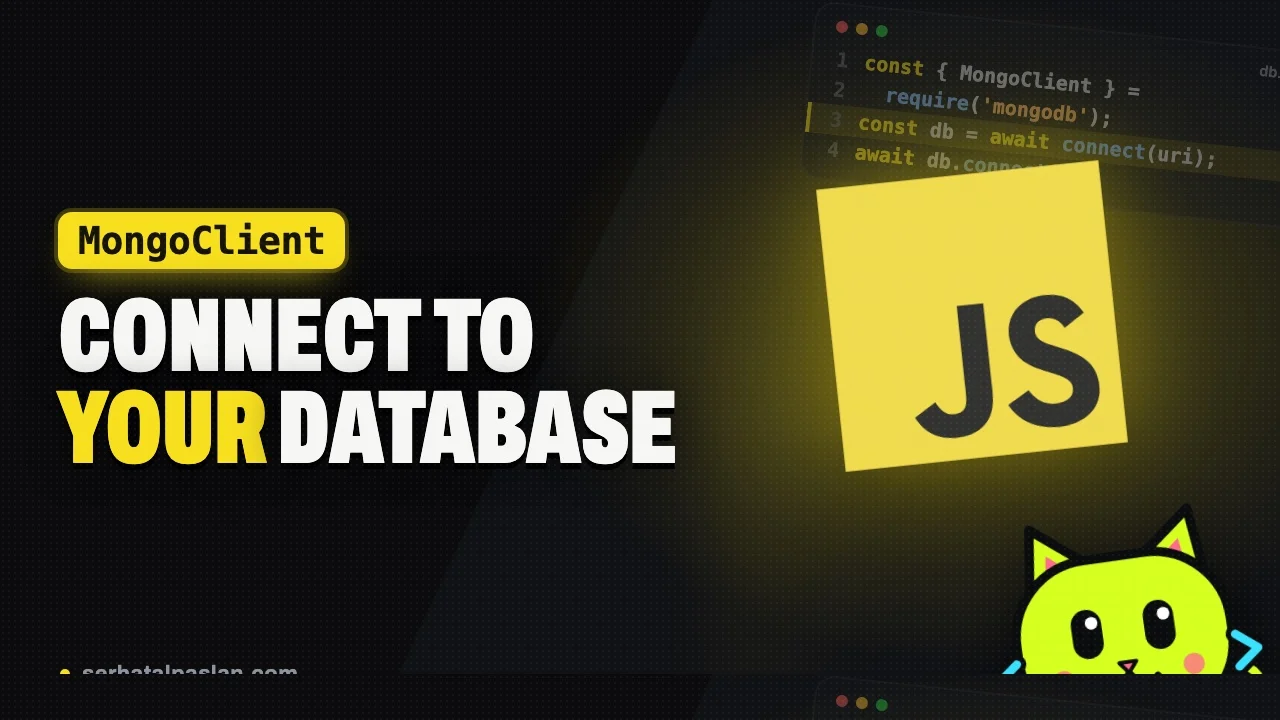
Setting up the connection between JavaScript and MongoDB is quite simple. First, you need to install the MongoDB driver. The MongoDB driver is designed to be used with Node.js and other JavaScript-based applications. After you install the MongoDB driver, you can connect to the database in your JavaScript code.
As an example of using JavaScript and MongoDB together, let’s look at storing a web application’s user information in a MongoDB database. First, we need to connect to the database. We’ll use the MongoDB driver to make this connection. The following code can be used to connect to the database:
const MongoClient = require('mongodb').MongoClient;
const uri = 'mongodb+srv://<username>:<password>@<cluster>.mongodb.net/test?retryWrites=true&w=majority';
const client = new MongoClient(uri, { useNewUrlParser: true });
client.connect(err => {
  const collection = client.db("test").collection("users");
  // perform actions on the collection object
  client.close();
});
In the example above, we connect to MongoDB using the MongoClient module. The “uri” variable contains the address and credentials of the MongoDB database. You can get this address by using a service like MongoDB Atlas. The “client.connect” method makes the connection to the database. The “collection” variable selects a collection in the database. In this collection, we can store the users’ information.
After the connection is established, we can save the user’s data to the MongoDB database. The following code can be used to save the user’s data to the database:
const user = {
  name: 'John Doe',
  email: 'john.doe@example.com',
  password: 'password123'
};

collection.insertOne(user, (err, res) => {
  if (err) throw err;
  console.log("User inserted into database");
  client.close();
});
In the example above, the “user” variable contains the information of the user to be saved. The “collection.insertOne” method saves this user’s information to the database. The second parameter of this method contains a callback function. This callback function runs when the operation is complete and checks whether there was any error.
Reading data from a MongoDB database is also extremely easy. The following example can be used to read all users’ information from the database:
collection.find({}).toArray((err, result) => {
  if (err) throw err;
  console.log(result);
  client.close();
});
In the example above, the “collection.find” method is used to get all data. The “toArray” method returns the results as an array. This code prints all users’ information to the console.
In conclusion, when JavaScript and MongoDB are used together, they form an extremely powerful and flexible combination. MongoDB is an ideal database for JavaScript-based applications, and JavaScript is an excellent language for interacting with the database. The examples above show how these two technologies can be used together. For more information, you can refer to more resources about MongoDB and JavaScript.
Resources:
- MongoDB Official Site: https://www.mongodb.com/
- MongoDB Driver: https://mongodb.github.io/node-mongodb-native/
- Using JavaScript and MongoDB: https://www.w3schools.com/nodejs/nodejs_mongodb.asp
Share it if it helped