JavaScript onClick and onChange Events Explained
Learn how the JavaScript onClick and onChange events work, when each one fires, and how to wire them up to real DOM elements with short, practical examples.
onClick
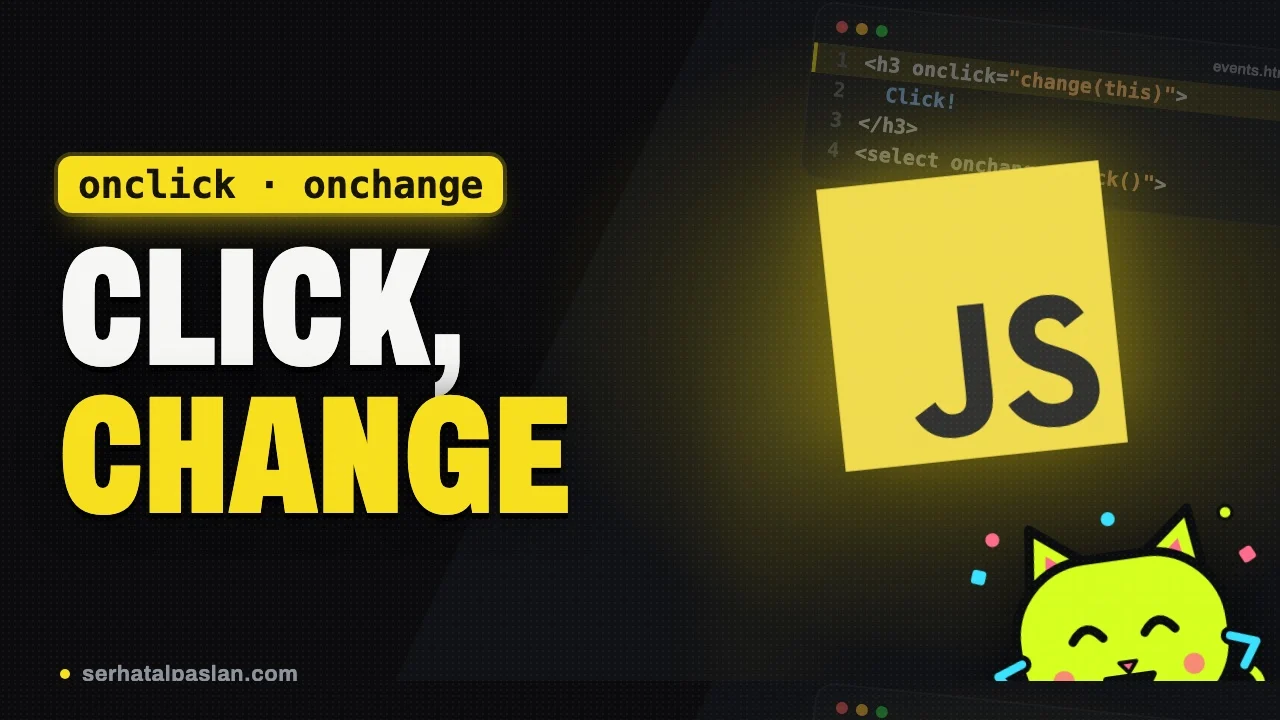
The onClick event triggers a JavaScript function when a DOM element on the web page is clicked. In other words, if you want a JavaScript function you’ve written to run when a DOM element is clicked, all you need to do is use the onclick handler. DOM elements can be anything on your page such as a div, input, select, button, and so on. Now let’s look at the example below.
<h3 onclick="yaziDegistir(this)">Bu yazının üzerine tıklayın!</h3>

<script>
function yaziDegistir(id) {
  id.innerHTML = "Ooops buraya tıkladın!";
}
</script>
In the example above, we attached the event to an h3 tag. When the tag is clicked, the event runs the yaziDegistir function. You can extend the examples however you like.
onChange
The onChange event, on the other hand, is triggered when the value assigned to an element changes. We can explain this with an example like the one below.
<select id="selectBox" onchange="myFunction()">
  <option value="Elma">Elma
  <option value="Armut">Armut
  <option value="Çilek">Çilek
  <option value="Muz">Muz
</select>

<p>Yukarıdaki seçeneceklerden birini seçtiğinizde , seçmiş olduğun seçeneğin değerini göreceksiniz.</p>

<p id="demoTextBox"></p>

<script>
function myFunction() {
  var x = document.getElementById("selectBox").value;
  document.getElementById("demoTextBox").innerHTML = "Seçiminiz: " + x;
}
</script>
The onChange event is very similar to the oninput event. There is a small difference between them. The onInput event fires right after the value inside an element changes. The onChange event, however, occurs when the element loses focus. Another difference is that the onChange event also works on the select element.
Since the topic is very simple and assuming you’ve done a bit of practice, we can say that you’ve now got the hang of javascript onclick usage and javascript onchange usage. It’s also a good idea to study the events on the official sites; this will help you understand their broader usage.
- You can also access many different JavaScript examples on the official JavaScript website.
Over time, I’ll add different examples and different events about these JavaScript events.
Share it if it helped