JavaScript if else: Conditional Statements Explained
Learn how JavaScript if, else if, and else statements work, and use them to make your code react to different conditions with clear, practical examples.
Contents
Conditional structures are constructs in programming languages that let us check whether certain conditions are met and perform specific actions accordingly. These structures are usually used with the keywords “if”, “else if”, and “else”, and they let us control the flow of the program. In this article, we’ll take a closer look at conditional structures in JavaScript and some examples of them.
Conditional structures play a very important role in checking data coming from the user, performing actions based on specific situations, and directing the flow of the program. For example, by checking a user’s age, we can easily handle situations such as showing them a specific warning message or performing a specific action if they are below a certain age.
Below are the conditional structures used in JavaScript, along with examples.
if-else Statement
If we want to perform a specific action when a particular situation occurs, we can use the “if” and “else” statements. For example, to check whether a number is positive or negative, we can use a structure like the following.
let sayi = -5;

if (sayi > 0) {
  console.log("Sayı pozitif.");
} else {
  console.log("Sayı negatif.");
}
In the example above, if the number is positive, a message stating that the number is positive is printed to the screen; otherwise, a message stating that the number is negative is printed.
else if Statement
We can use the “else if” statement to check more than one situation. For example, to check whether a number is positive, negative, or zero, we can use the following structure.
let sayi = 0;

if (sayi > 0) {
  console.log("Sayı pozitif.");
} else if (sayi < 0) {
  console.log("Sayı negatif.");
} else {
  console.log("Sayı sıfır.");
}
In the example above, if the number is positive, a message saying it is positive is printed to the screen; if it is negative, a message saying it is negative; and if it is zero, a message saying it is zero.
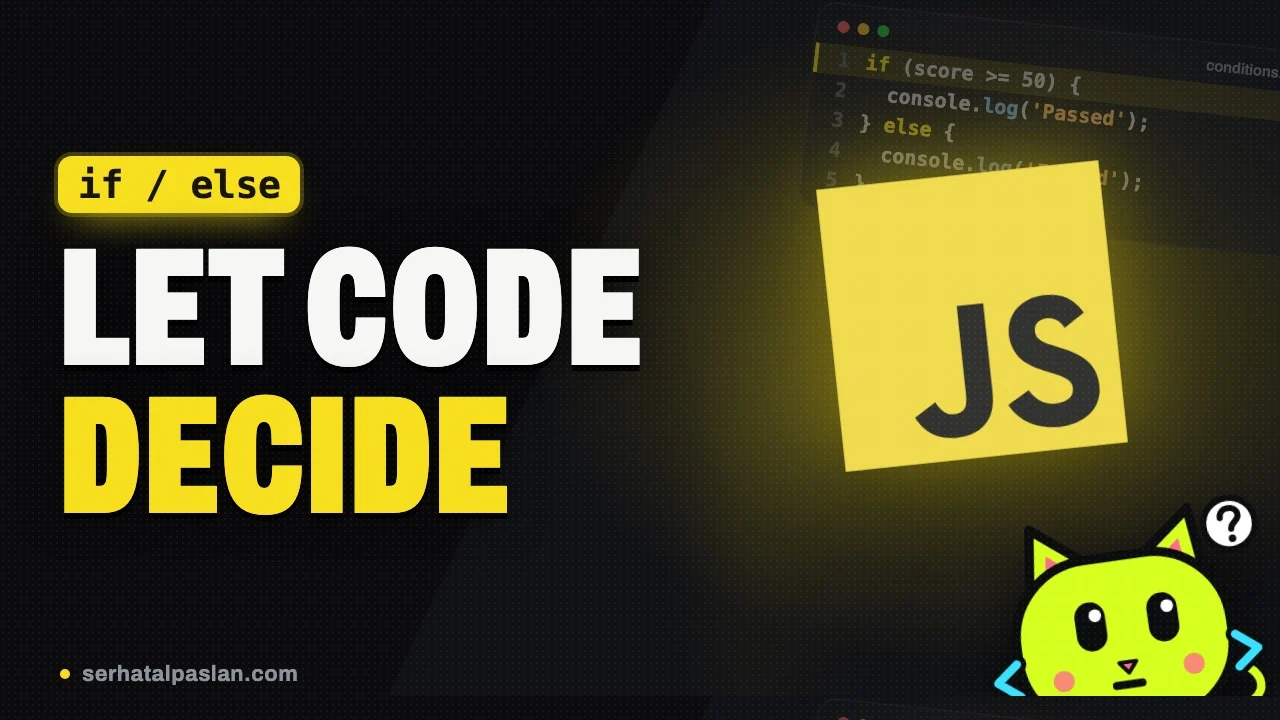
A Code Screen Containing Conditional Structure Examples
Below is a simple example that checks the data type of a number and converts that data to a string.
let sayi = 42;
let sayiString = sayi.toString();
console.log(typeof sayiString); // "string"
In the example above, the sayi variable is defined as 42 and this number is converted to a string. Then, the data type of the converted data is checked and turns out to be “string”.
Conditional structures have a major impact on the logic of a program and make code more readable and organized. Using conditional structures to perform different actions based on specific situations makes things much easier for programmers. That’s why mastering conditional structures is important in programming education and project development.
Share it if it helped